Prerequisites
Before you connect, you must first connect a data source to your Connect AI account. See Sources for more information.Connect to Connect AI
To establish a connection from Microsoft Fabric to Connect AI, follow these steps.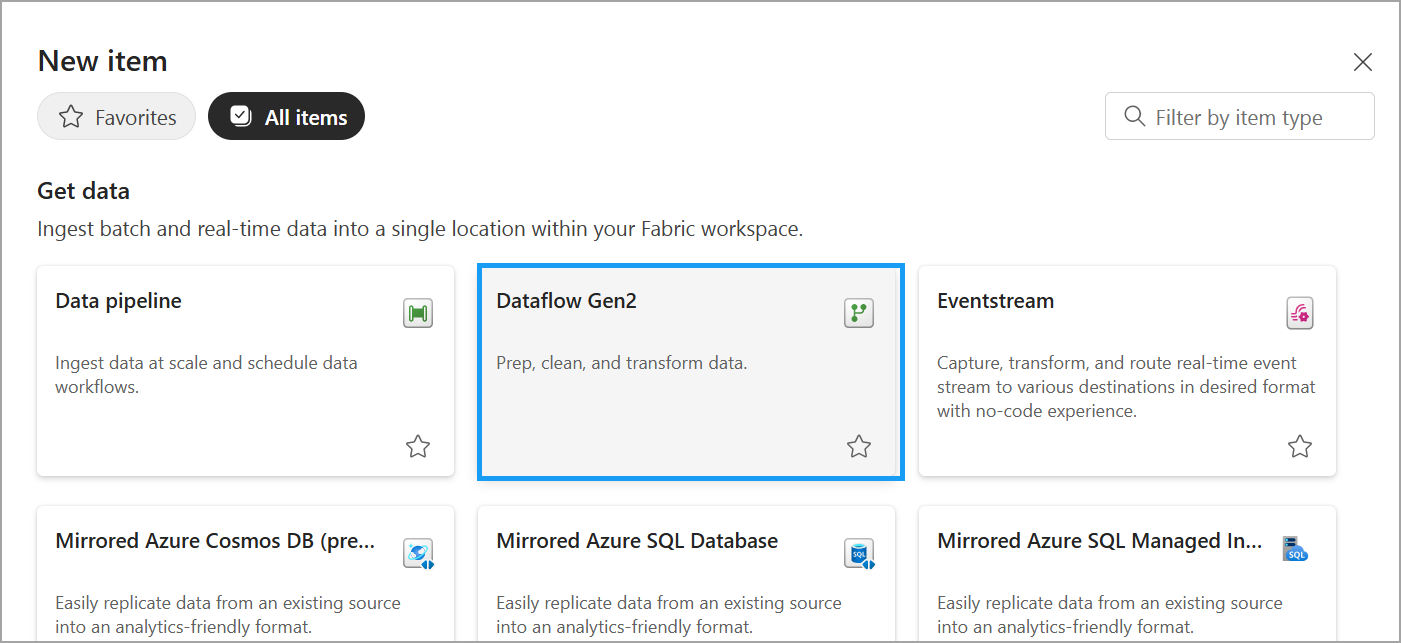
Once inside the data flow, click Get Data. Enter Connect AI in the search bar and select the Connect AI plugin.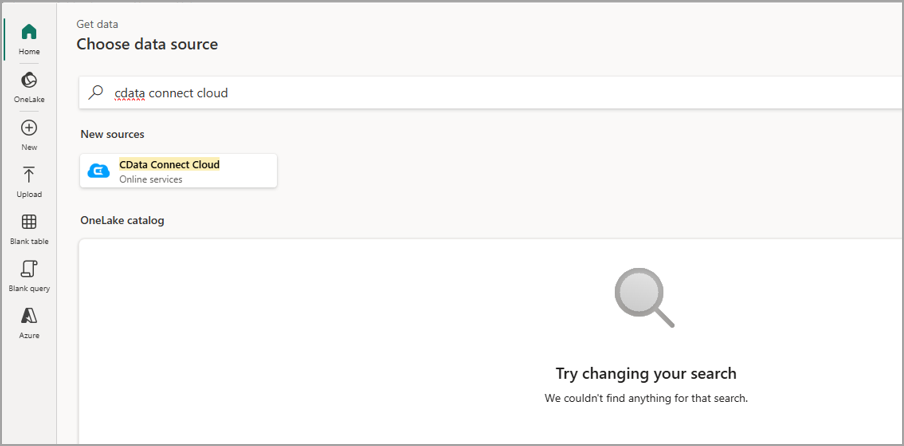
In the Get data dialog, enter the following credentials: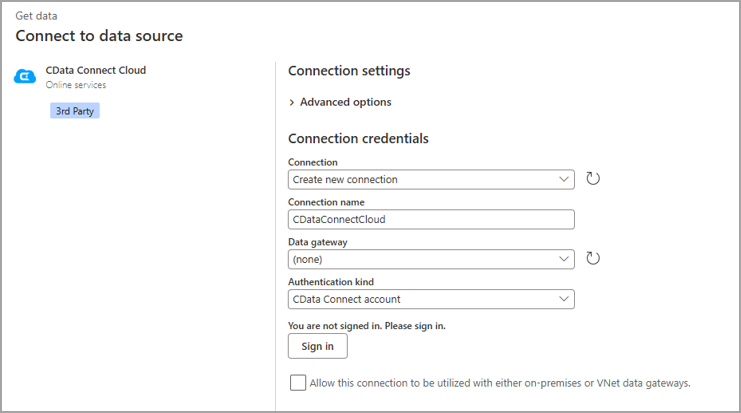
- Connection—select Create new connection.
- Connection name—create a user-defined connection name.
- Data gateway—select (none).
- Authentication kind—select CData Connect account.
Click Sign in. You are redirected to our authentication page via OAuth, establishing a connection to Connect AI.
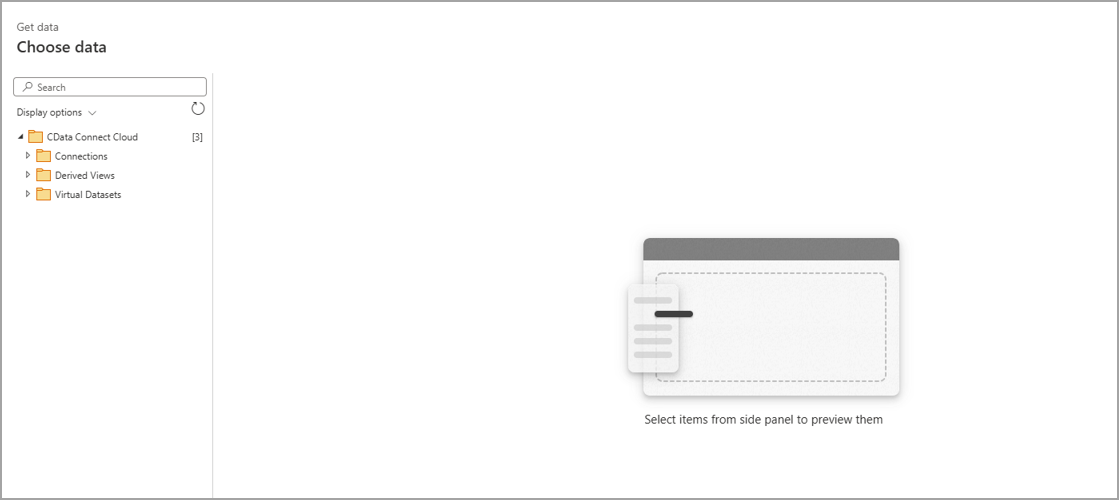
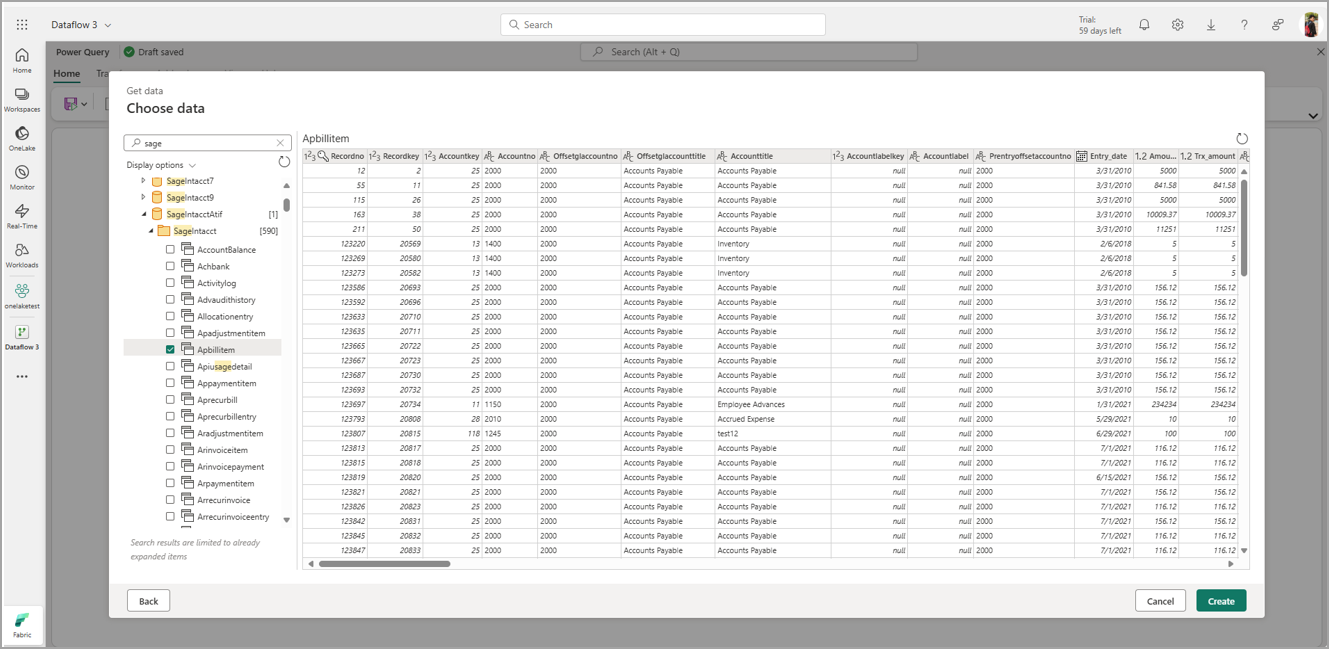
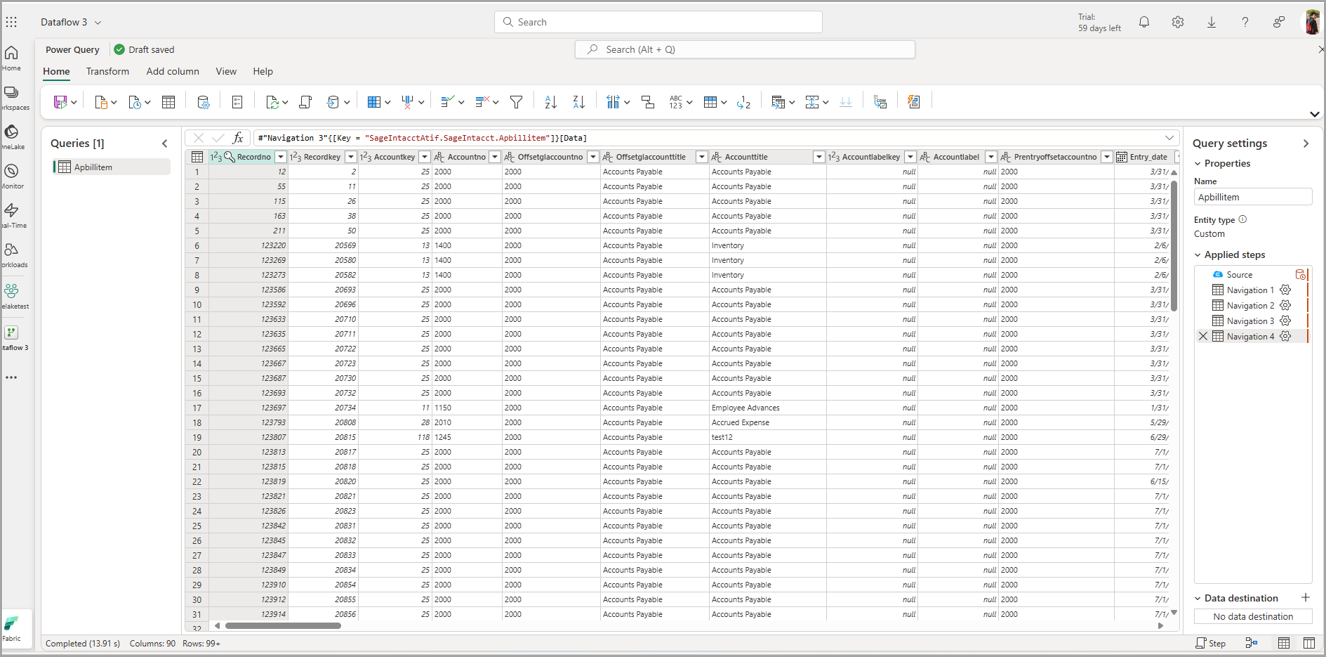
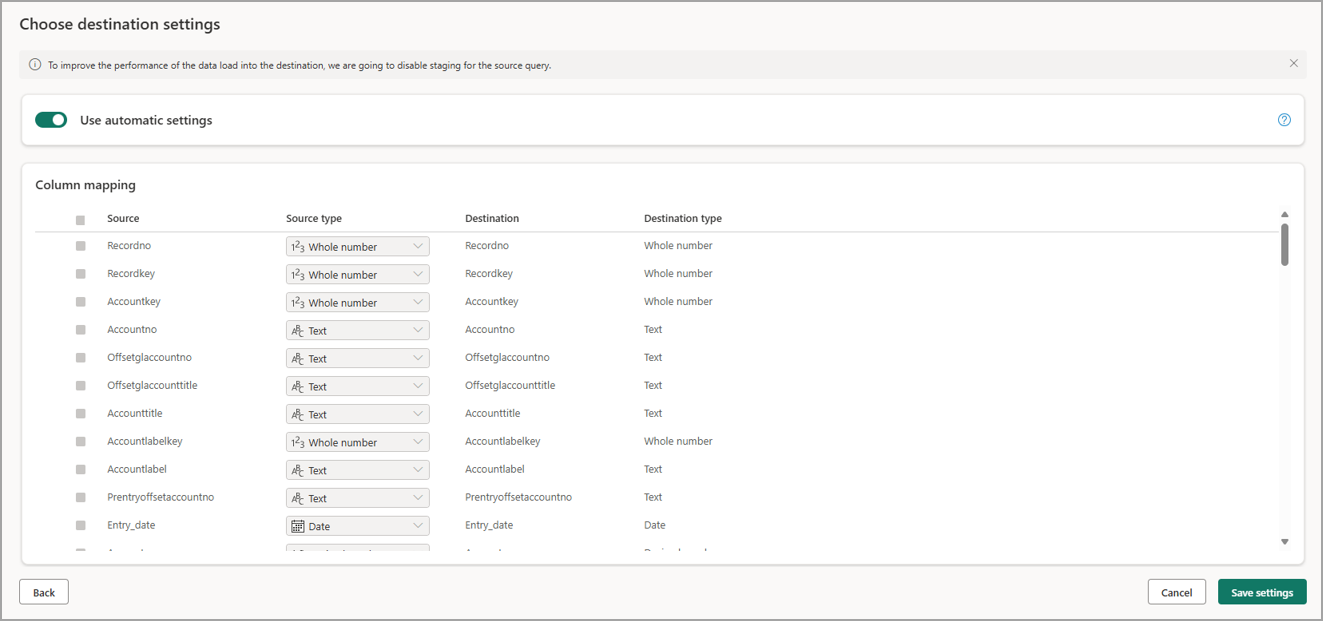
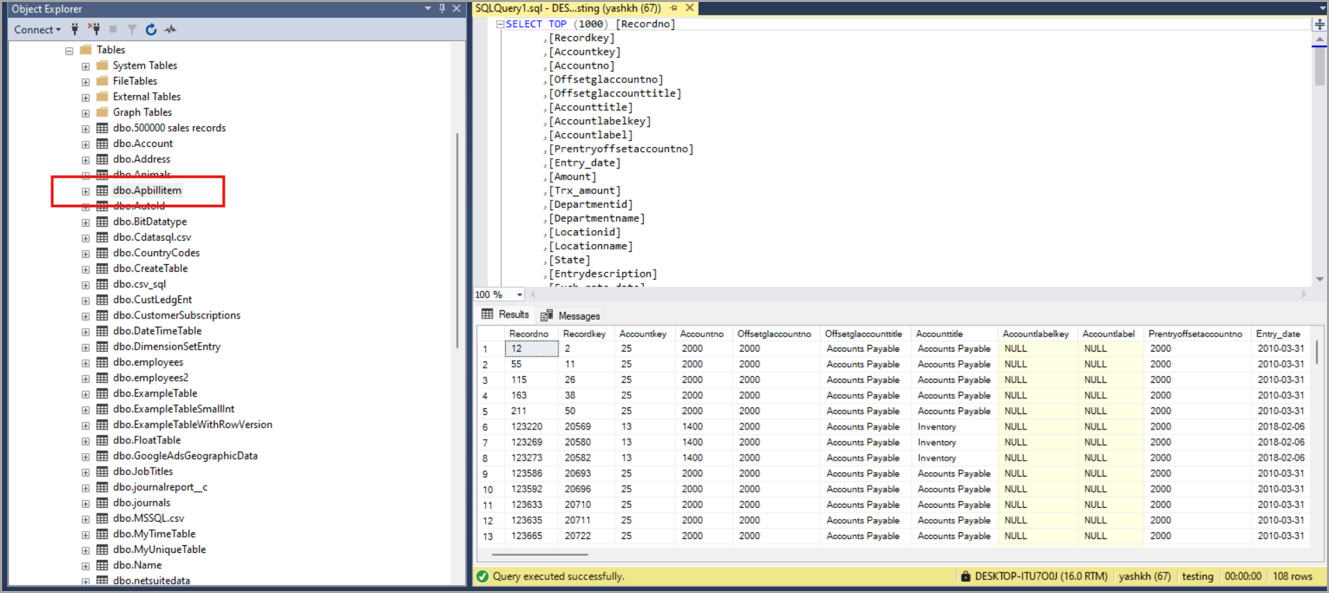
To replicate your data to a destination, click + next to Data destination. A Connect to data destination dialog appears. In this example, we used SQL Server as a destination. Enter the destination settings and click Next.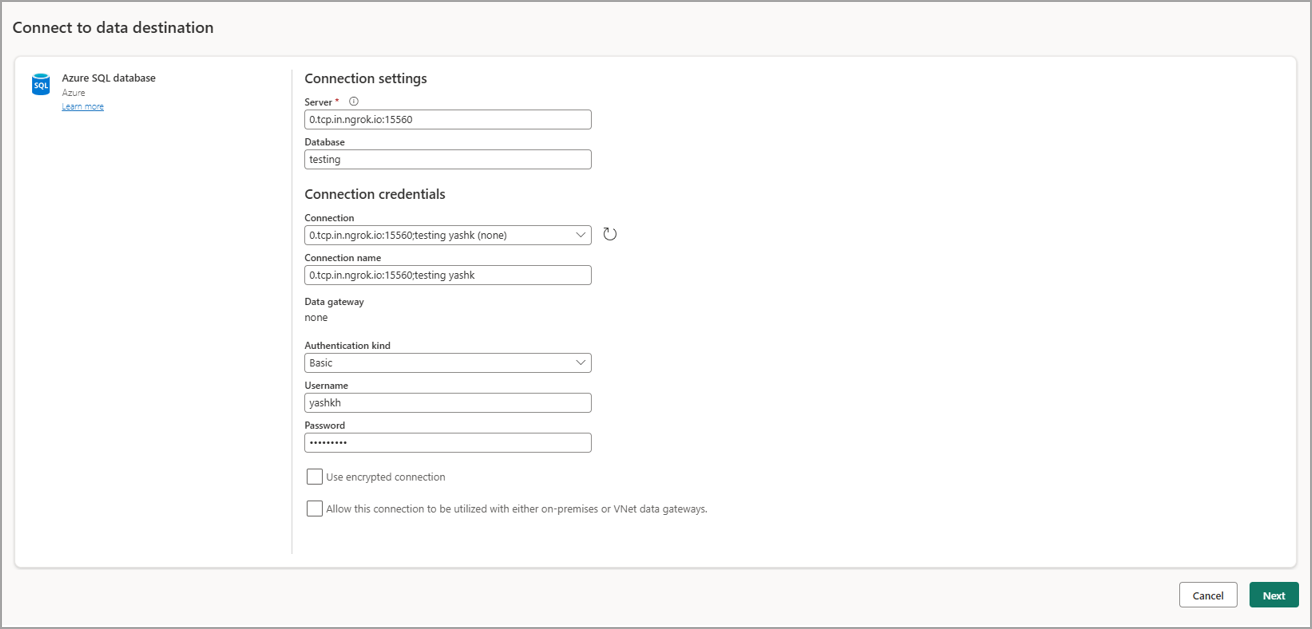
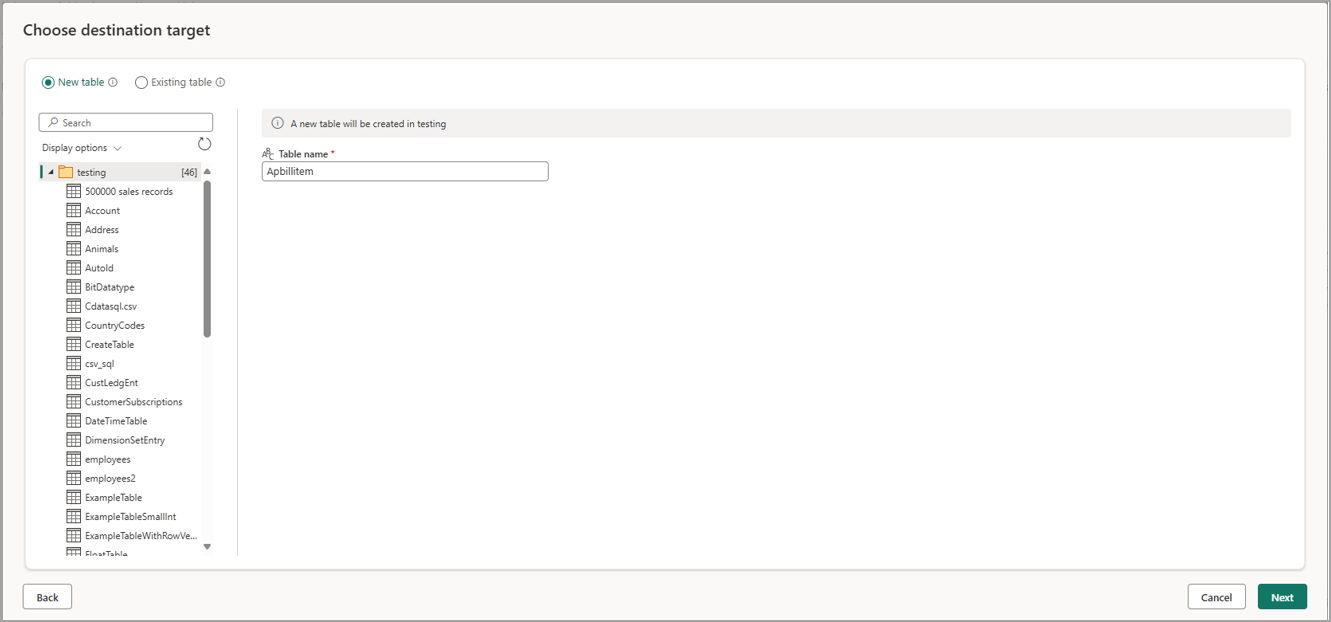
Select a destination target. You can overwrite an existing table or create a new destination table. Click Next.