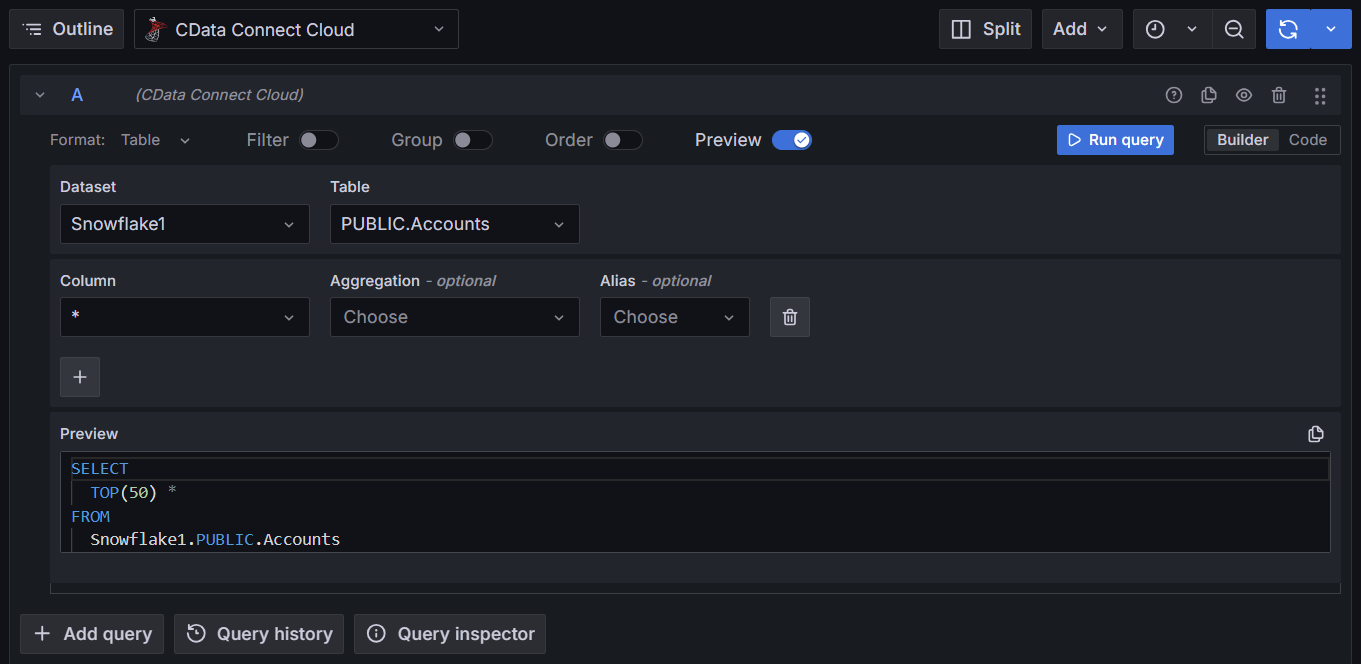
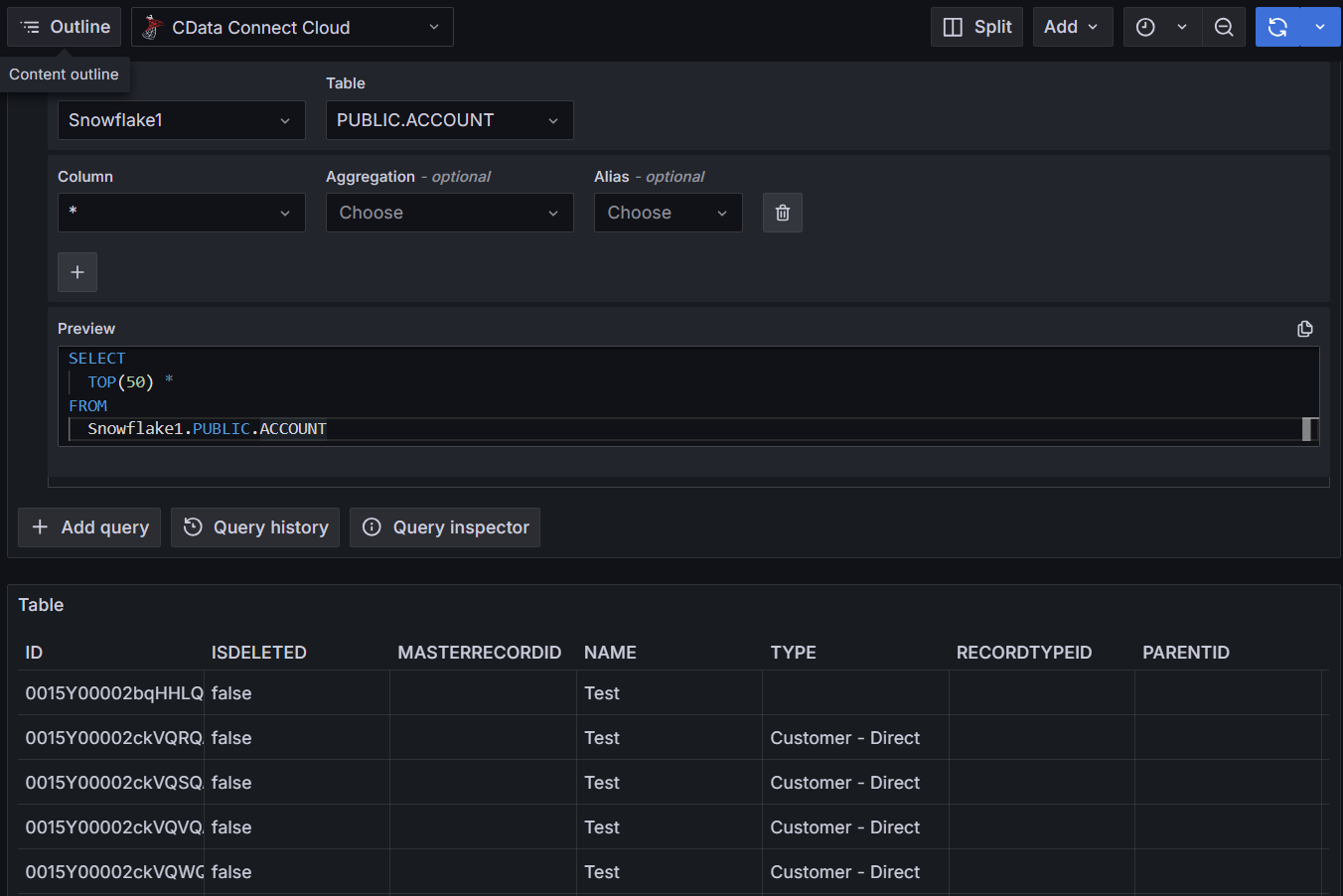
前提条件
接続する前にまず以下を実行します。- データソースをConnect AI アカウントに接続します。詳しくは、Sources を参照してください。
- Settings ページでPersonal Access Token (PAT) を生成します。PAT をコピーし、認証時にパスワードとして使用します。
Connect AI に接続する
Grafana からConnect AI の仮想SQL Server API へのコネクションを確立するには以下の手順に従います。Download and install Grafana for your operating system from the Grafana website.
Log in to Grafana with your username and password for Grafana. If this is your first time logging in, the username is admin and the password is admin.
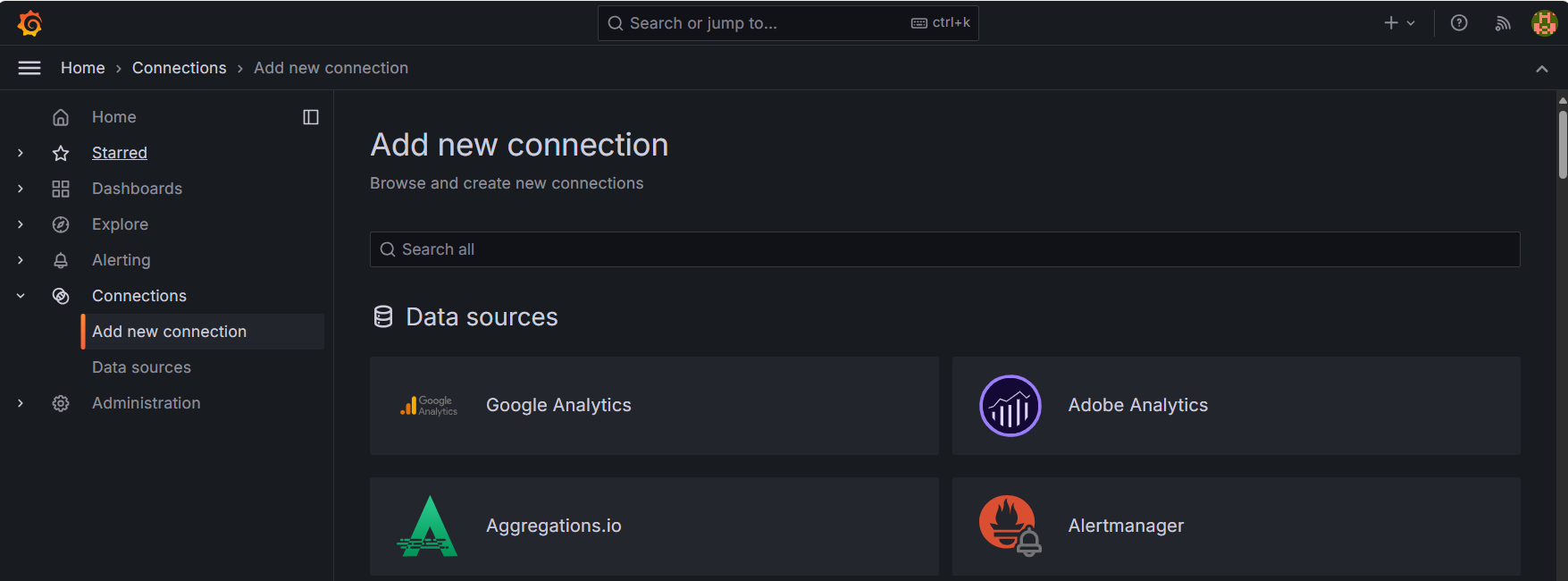

Enter the following connection settings.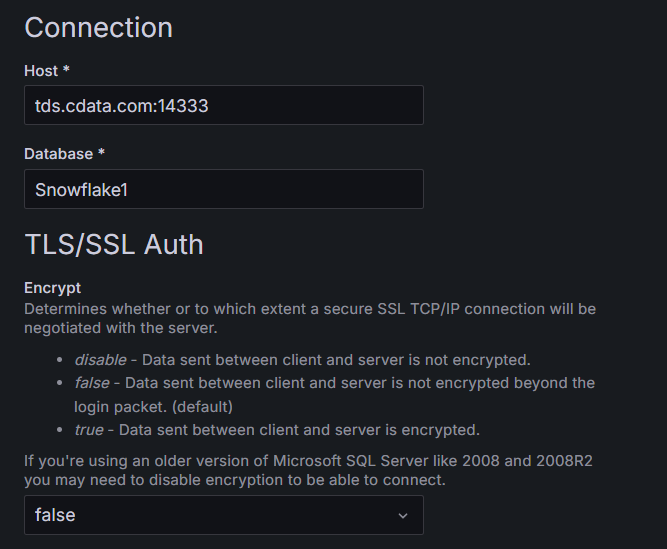
- Host—tds.cdata.com:14333
- Database—接続したいConnect AI データソースのConnection Name を入力します。例:Salesforce1
- Username—Connect AI のユーザー名を入力します。ユーザー名は、Connect AI の画面の右上に表示されています。例:
test@cdata.co.jp - Password—Settings ページで生成したPAT を入力します。