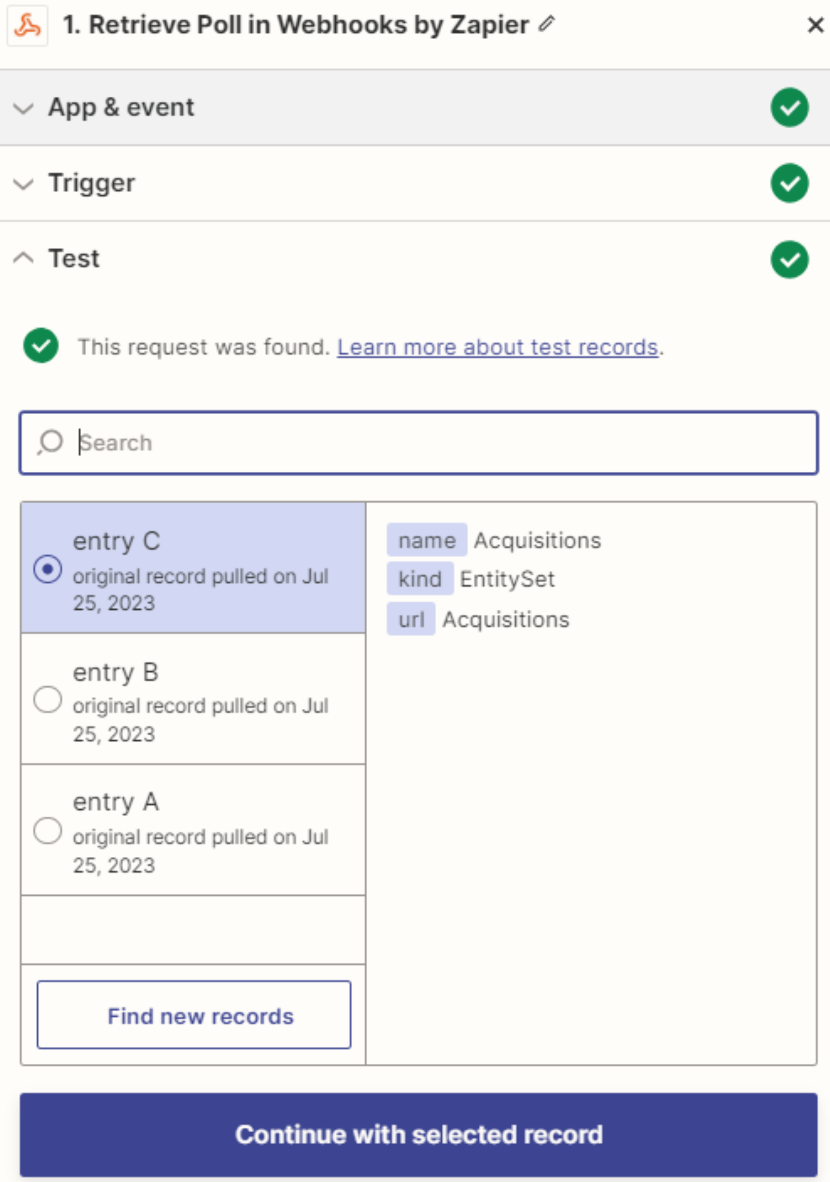
Prerequisites
Before you connect, you must first do the following:- Connect a data source to your Connect AI account. See Sources for more information.
- Create a Workspace. Later, you will use the OData Service URL on that page (https://cloud.cdata.com/api/odata/{workspace\_name}) with the relevant workspace name to establish the connection.
- Generate a Personal Access Token (PAT) on the Settings page. Copy this down, as it acts as your password during authentication.
Connect to Connect AI
To establish a connection from Zapier to Connect AI using the OData protocol, follow these steps.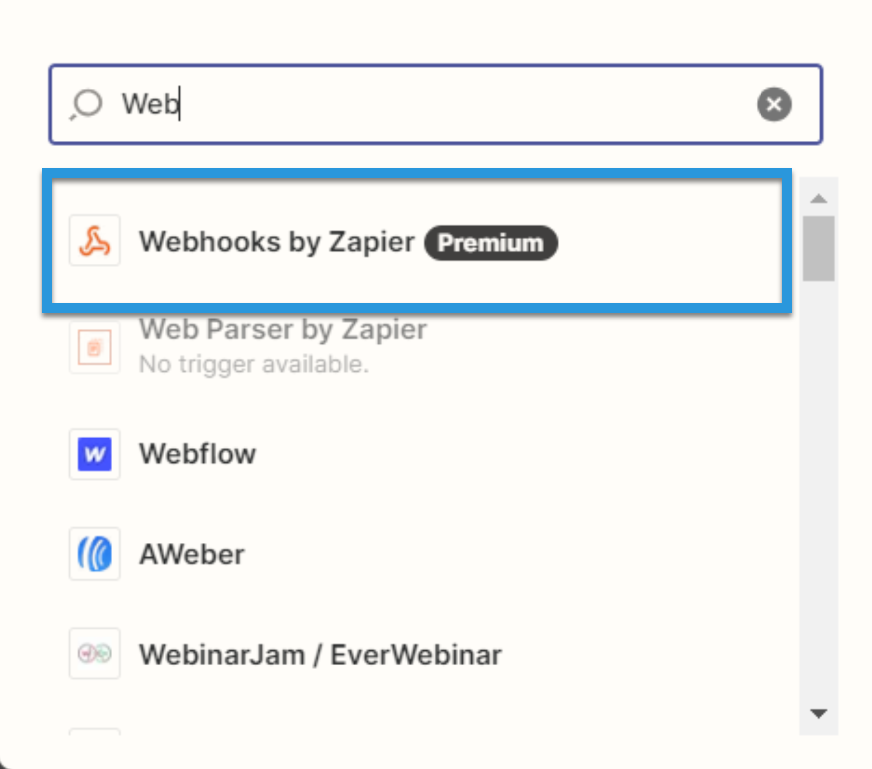
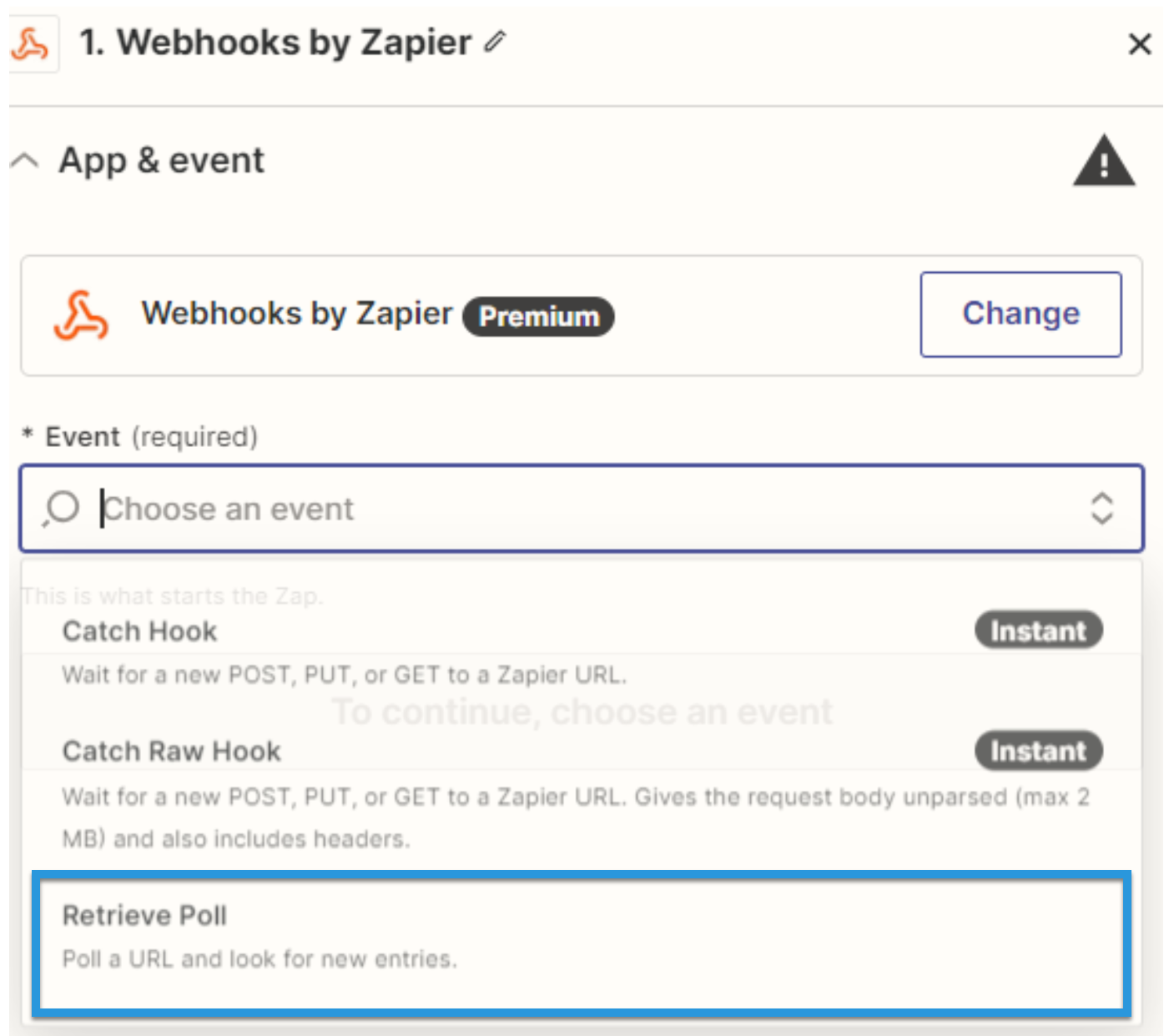
Fill in the connection details: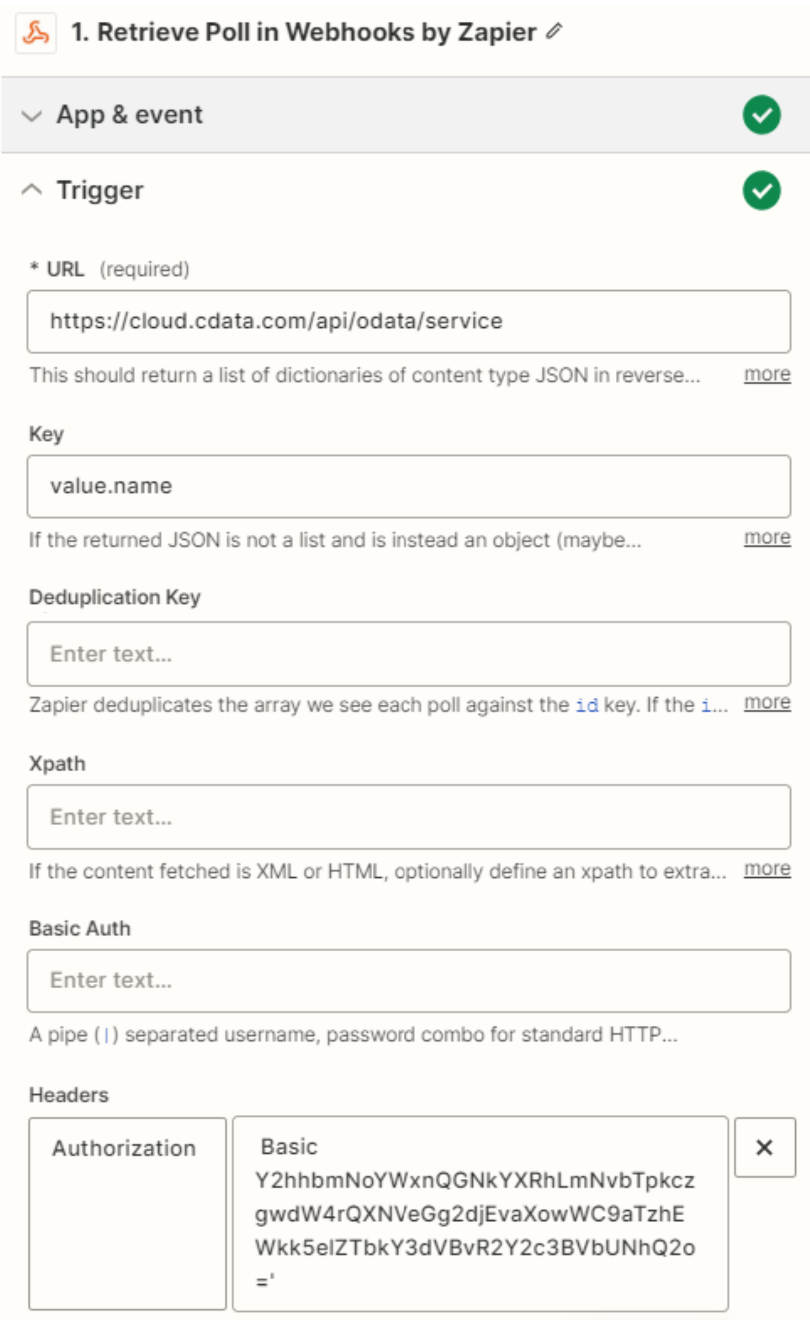
- URL: Enter the OData URL.
- Key: Enter “value.name”.
- Authentication details: Fill in Basic Auth or Headers. The basic option requires a user and password separated by a pipe (
|) symbol. The headers option requires a request type header with encoded credentials.