Prerequisites
Before you can configure and use Gemini with Connect AI, you must first connect a data source to your Connect AI account. See Sources for more information. OAuth JWT bearer token を生成します。PAT をコピーし、認証時にパスワードとして使用します。 You need Python >= 3.10 to use the Gemini tools.Connect through the Gemini Command Line Interface
After you install Gemini, do the following:Copy and paste the following into the
settings.json file. "Authorization" should be set to "Bearer OAUTH_JWT_TOKEN". This is the OAuth JWT token from the prerequisites.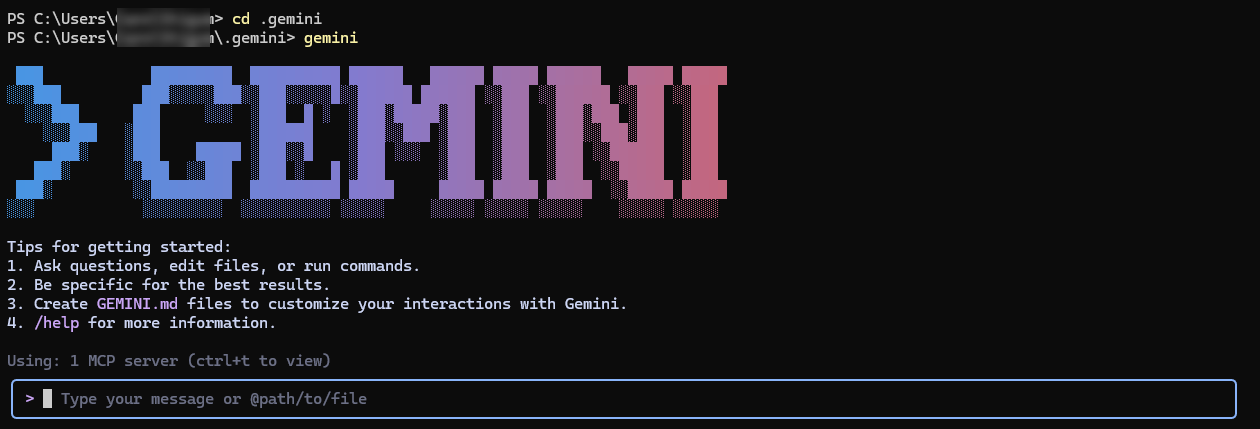
Enter a prompt in the prompt box to ask Gemini a question. Gemini uses the Connect AI tools such as
getCatalogs, getSchemas, and getTables to retrieve data from connected data sources.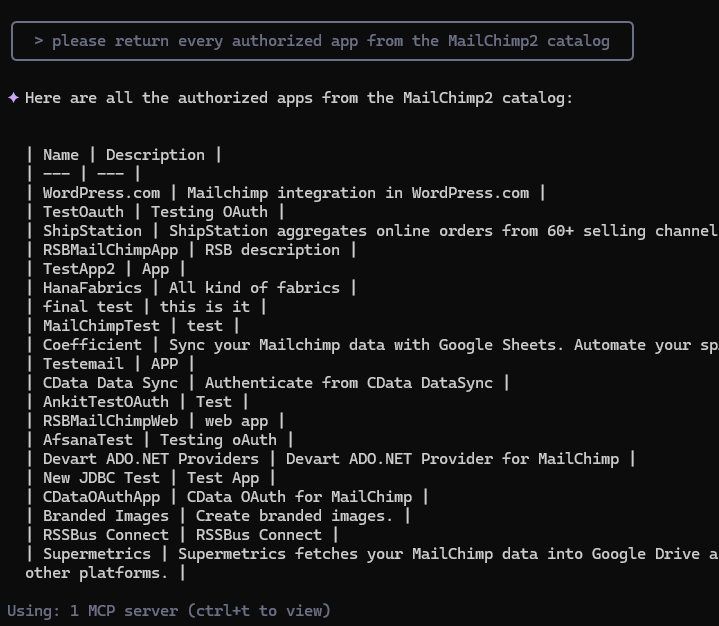
Connect through the Google ADK
Download the folder adk-mcp-client and unzip the folder.
In the
.env file, remove MCP_USERNAME and MCP_PASSWORD. You are using the OAuth JWT token from the prerequisites to authenticate.Run
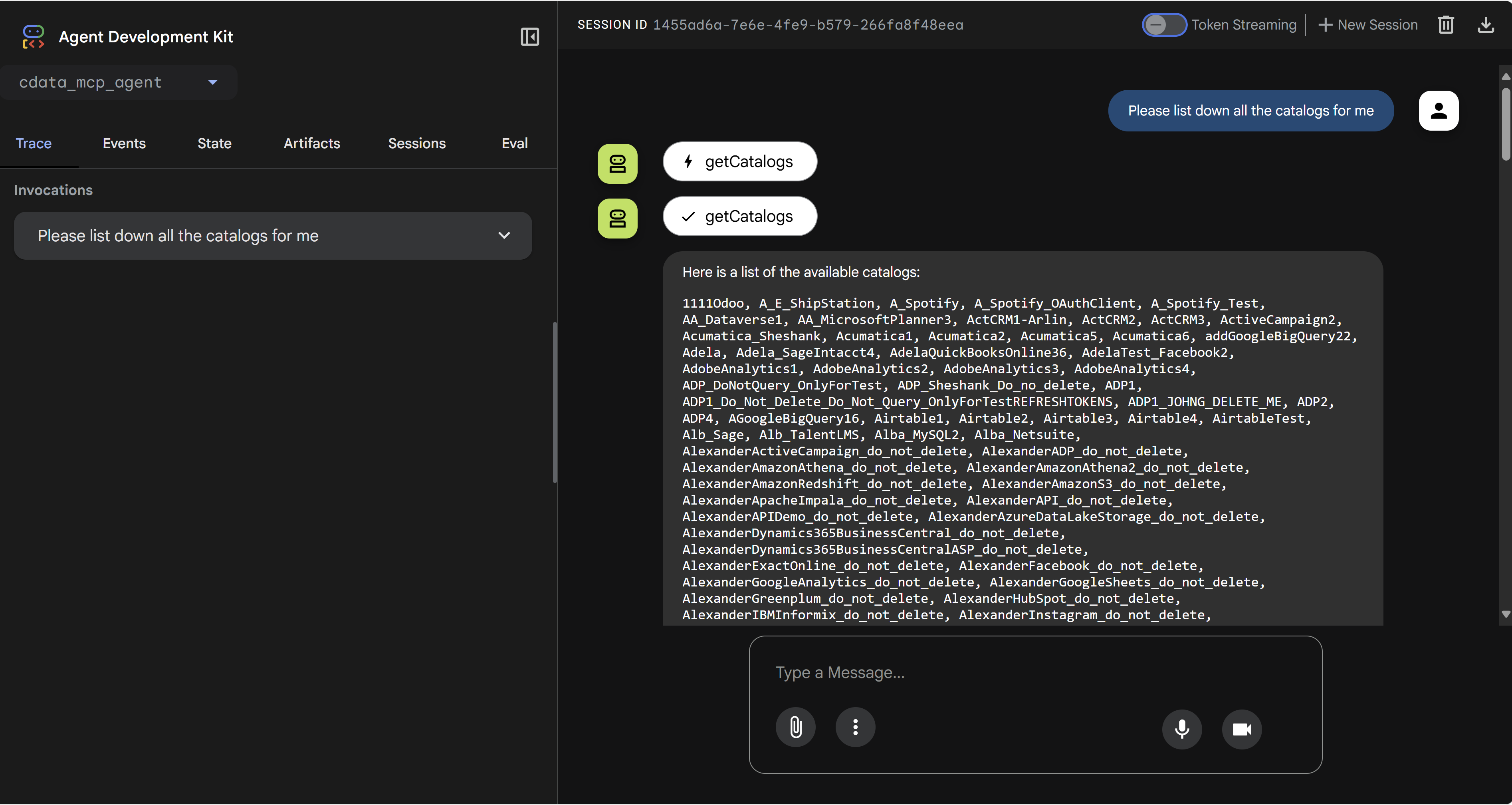
python -m google.adk.cli web --port 5000. This starts the ADK at port 5000 on your local machine.